• Home
  • Privacy Policy
HowPChub
Find solutions to your PC problems.
Menu Close
  • Home
  • Privacy Policy

Instructions

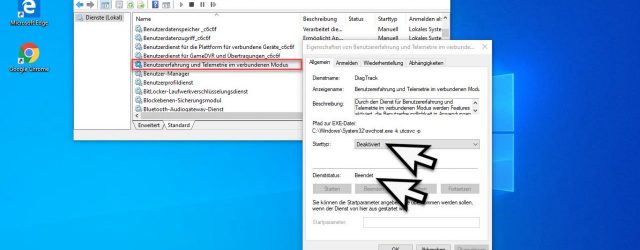
Completely disable sending telemetry data in Windows 10
May 18, 2020administrator
Connected mode user experience and telemetry

About the talkativeness of Windows 10 with respect. Telemetry data and diagnostic data we have reported several times in recent months. Although the user can limit the rage of data a little via the Windows settings, the sending of the… Continue Reading →
Instructions, Windows 10, Windows Server 2016, Windows Server 2019

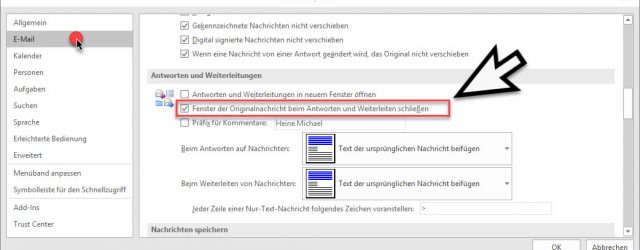
Automatically close original message when replying in Outlook

May 17, 2020administrator
Close the window of the original message when replying and forwarding

Maybe you know the problem? Whenever you work with Microsoft Outlook and process incoming e-mails, the original e-mail of the sender always remains open when replying and forwarding an e-mail . This means that after submitting your email response, you… Continue Reading →

Instructions, Microsoft Office

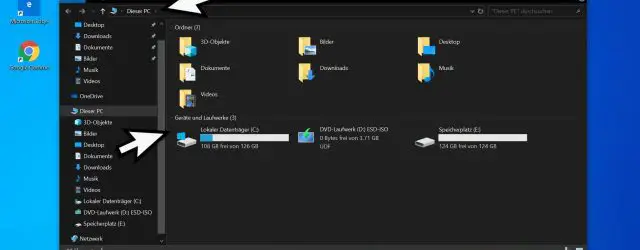
Deactivate Windows Explorer quick access and switch to “This PC”

May 17, 2020administrator
This PC display in Windows Explorer

Many Windows 10 users complain about the default setting of Windows Explorer . Because after starting Windows 10 Explorer, the view automatically Quick access active. This means that initially only an overview of the most frequently used folders and the… Continue Reading →

Instructions, Windows 10, Windows 7, Windows 8, Windows Server 2012 R2, Windows Server 2016, Windows Server 2019

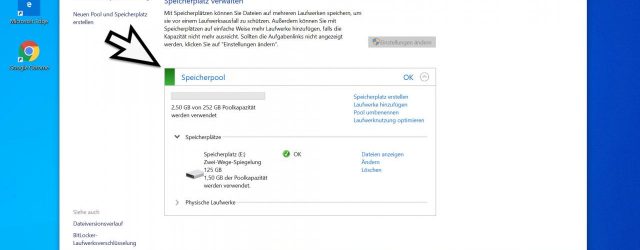
Set up storage spaces and storage pool in Windows 10

May 17, 2020administrator
Manage storage space Windows 10

In the past, only hardware raid systems and raid controllers were used, Microsoft has anchored this in the operating system in Windows 10. Under Windows 10 it is namely possible, so-called Storage pools and storage spaces which are then managed… Continue Reading →

Instructions, Windows 10, Windows 8, Windows Server 2012 R2, Windows Server 2016, Windows Server 2019

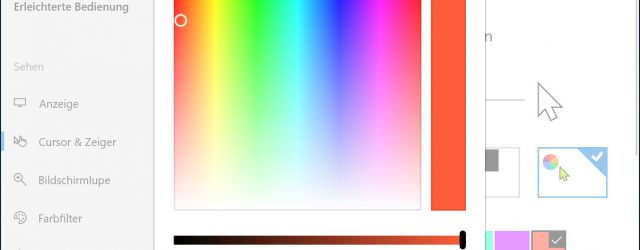
Change the color and size of the mouse pointer in Windows 10

May 17, 2020administrator
Define mouse color yourself

With the new Windows 10 Feature Update Version 1903, Microsoft has now created the possibility to change the color of the mouse pointer . By default, the mouse pointer is shown with a black border and white content, as you… Continue Reading →

Instructions, Windows 10

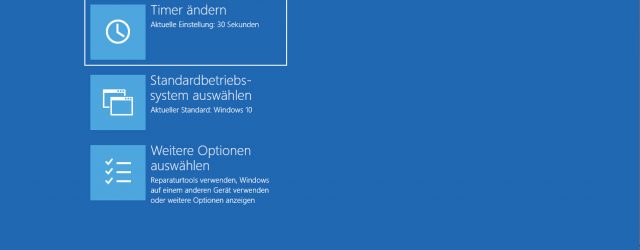
Set up software raid 1 (mirroring) in Windows 10

May 17, 2020administrator
Mirroring options Windows 10

Windows 10 installations are usually carried out as a standard installation with a hard disk or SSD. Systems that should be designed as raid systems due to their importance can use the software raid function of Windows 10 . 2… Continue Reading →

Instructions, Windows 10, Windows Server 2016, Windows Server 2019

Recover lost or formatted partitions with AnyRecover

May 17, 2020administrator
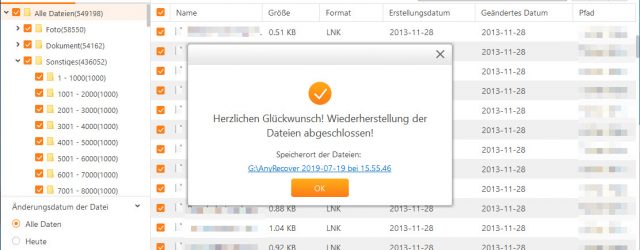
Congratulations - the files have been restored

If you are faced with the problem that you accidentally formatted your hard drive or deleted files, this data cannot be restored with Windows board tools. For this reason, special tools have to be used in such a case, which… Continue Reading →

Instructions, Windows 10, Windows 7, Windows 8

Display Outlook, Word, Excel and PowerPoint in dark design (Dark Mode)

May 17, 2020administrator
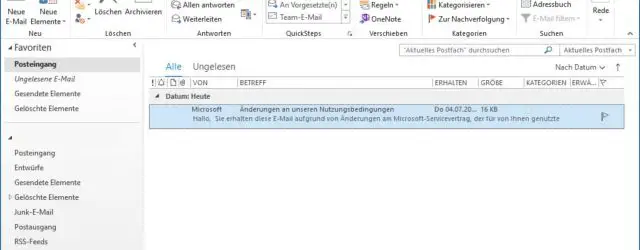
Outlook theme white

We have already reported on the popular dark mode ( dark mode or night mode ) in the past. This dark representation continues to find its way into the most popular Microsoft programs and all office components such as Outlook,… Continue Reading →

Instructions, Microsoft Office, Windows 10, Windows 7, Windows 8

Bypass proxy server for local addresses using the registry key

May 17, 2020administrator

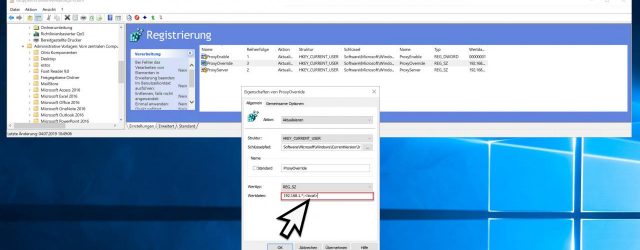
We have already reported on the proxy server settings (inetcpl.cpl) under Windows in our article ” Distribute IE proxy server settings correctly via GPO “. It describes exactly how you can distribute the proxy settings of the users via group… Continue Reading →

Instructions, Windows 10, Windows 7, Windows 8, Windows Server 2012 R2, Windows Server 2016, Windows Server 2019

On what date was an Active Directory user object created

May 17, 2020administrator
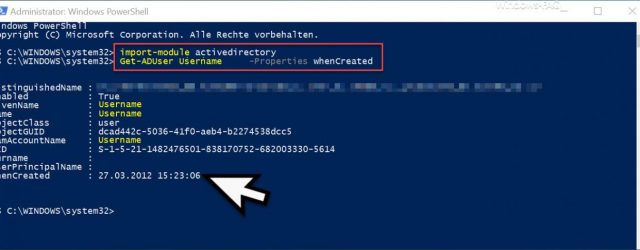
PowerShell Creation Date User Object

It is often interesting to determine on which day an Active Directory object was created or last changed . This information is stored for the respective AD object and can be queried in a variety of ways. Today we would… Continue Reading →

Instructions, Windows 10, Windows 7, Windows 8, Windows Server 2012 R2, Windows Server 2016, Windows Server 2019

Post navigation

← Older Articles
Newer Articles →

Recent Posts

  • How to know the components of my PC in Windows 11
  • I can’t find the Recycle Bin in Windows 10 Solution
  • Microsoft Store Does Not Work On Windows 11 Solution
  • Open Character Map In Windows 10 Easy And Fast
  • Increase Network Card Speed ​​to Maximum in Windows 11
  • Disable Windows 10 Automatic Repair
  • How to Activate Automatic Repair in Windows 11
  • Disable Automatic Repair Windows 11
  • How to know the components of my PC in Windows 10
  • How to Open System Properties in Windows 10

Categories

  • Android
  • Android installations
  • Antivirus
  • Basic Web Design
  • Basics of iPhone and iPods
  • Cameras
  • Citrix
  • Competitions
  • Concepts for Cars
  • Concepts of iPhone and iPods
  • Concepts of Macs
  • Console Basics
  • Console Concepts
  • Consoles
  • CSS
  • Current
  • Databases
  • Documents
  • Exchange
  • For cars
  • Games
  • Hardware
  • Installations for Cars
  • Installations in Technology
  • Instructions
  • Internet
  • Internet and Browsers
  • Internet Basics
  • Internet Concepts
  • Internet Explorer
  • IPad
  • IPad Concepts
  • IPad Tips & Guides
  • IPhone and iPod
  • Linux
  • Linux Basics
  • Linux commands
  • Linux Installations
  • Macs
  • Messaging
  • Messaging Basics
  • Messaging Concepts
  • Microsoft .Net Framework
  • Microsoft General
  • Microsoft Office
  • Microsoft SQL Server
  • Microsoft Visual Studio
  • Misc. Application Programs
  • More Help
  • News
  • Other Application Programs
  • Other. Application Programs
  • Otherwise Application Programs
  • Otherwise. Application Programs
  • Present
  • Presentations
  • Product Concepts
  • Products
  • Reviews
  • Search Engine Basics
  • Search Engines
  • Security
  • Server
  • Smartphones
  • Software
  • Software Design
  • Solutions
  • Spreadsheets
  • Technology at home
  • Technology Basics
  • Technology concepts
  • Test Reports
  • TrendMicro
  • Uncategorized
  • Wallpapers
  • Windows 10
  • Windows 11
  • Windows 7
  • Windows 8
  • Windows Concepts
  • Windows NT
  • Windows Server 2008
  • Windows Server 2008 R2
  • Windows Server 2012
  • Windows Server 2012 R2
  • Windows Server 2016
  • Windows Server 2019
  • Windows Vista
  • Windows WSUS
  • Windows XP

Archives

  • September 2022
  • August 2022
  • July 2022
  • June 2022
  • May 2022
  • April 2022
  • March 2022
  • December 2021
  • May 2020
© 2025 HowPChub. All rights reserved.