• Home
  • Privacy Policy
HowPChub
Find solutions to your PC problems.
Menu Close
  • Home
  • Privacy Policy

Instructions

Activate password history under Windows – prevent the use of the same passwords again and again
May 18, 2020administrator
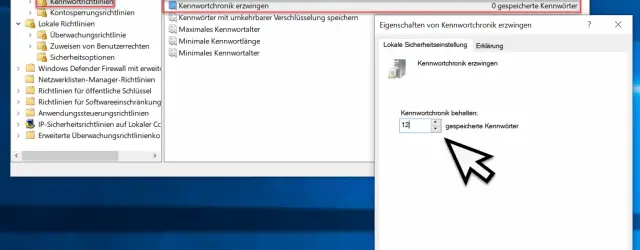
Keep password history

Passwords are a thorn in the side of many users. However, data protection cannot be guaranteed without a secure password . However, since it is too difficult for many Windows users to remember or think of a new password each… Continue Reading →
Instructions, Windows 10, Windows 7, Windows 8, Windows Server 2012 R2, Windows Server 2016, Windows Server 2019

Monitored folder access on Windows 10 – enable protection against ransomware

May 18, 2020administrator
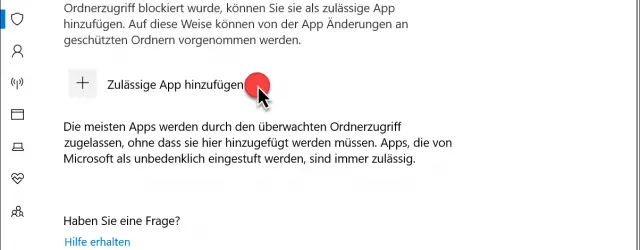
Allow app by monitored folder access

One of the innovations of Windows 10 version 1809 is the Monitored folder access which has been incorporated into the Windows Defender or the Windows 10 security software “Windows Security” . By monitoring special folders and apps, the Windows 10… Continue Reading →

Instructions, Windows 10

Sharpen blurred or blurred Windows 10 login screen again

May 18, 2020administrator
Login screen armed

One of the innovations of Windows 10 Version 1903 is the function that the Windows login screen is blurred , blurry and milky . With this, Microsoft wants to ensure that the user concentrates more on the essentials, i.e. on… Continue Reading →

Instructions, Windows 10

Share Hyper-V VM – Easy way to clone virtual machines

May 18, 2020administrator
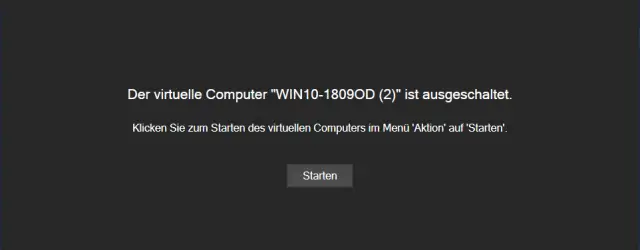
Split VM imported into Hyper-V

The Hyper-V Manager for many years has the opportunity Hyper-V virtual machines through export and import to duplicate or move when there is no possibility of a live migration is available. Unfortunately, this is the case under Windows 10. About… Continue Reading →

Instructions, Windows 10, Windows Server 2012 R2, Windows Server 2016, Windows Server 2019

Call up email properties in Outlook 2016 / Office 365

May 18, 2020administrator
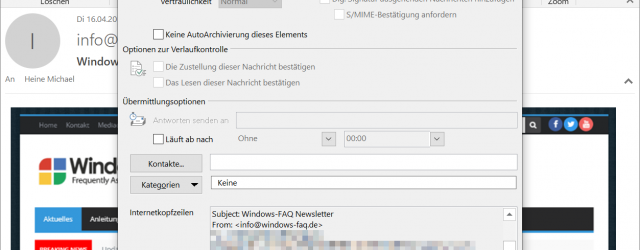
Internet headers email Outlook

Microsoft has repeatedly changed functions in the course of the development of Outlook so that they are unfortunately very difficult to find. This also includes the function Email properties which in the previous version was very easy to access via… Continue Reading →

Instructions, Microsoft Office

How does local logon to a PC in the domain work?

May 18, 2020administrator
Log on locally to a PC in the domain

We get this question very often. How does the local login of a user or administrator actually work on a PC that is a member of a network domain. On Windows PCs that are part of a domain, you can… Continue Reading →

Instructions, Windows 10, Windows 7, Windows 8, Windows Server 2012 R2, Windows Server 2016, Windows Server 2019

Export Google Chrome passwords to CSV file

May 18, 2020administrator
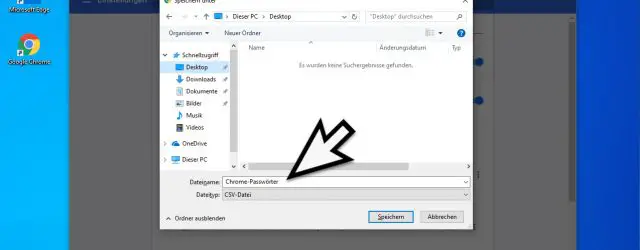
Chrome password file

Like any other browser, the Google Chrome browser is able to save passwords or passwords that have been entered and to automatically suggest them if necessary, so that the user no longer has to enter the password or enter it… Continue Reading →

Instructions, Other Application Programs, Security

Switch Windows 10 network from public to private

May 18, 2020administrator
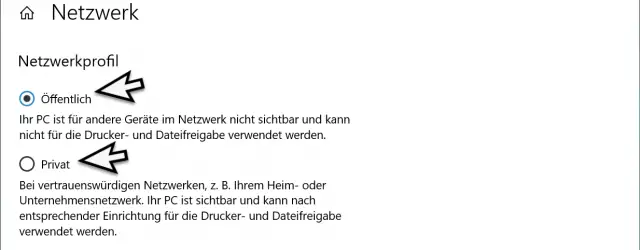
Network profile public private Windows 10

When you connect your Windows 10 installation to a network for the first time , you can decide whether it is a private or a public Network is. You can find out what the exact difference between a ” private… Continue Reading →

Instructions, Windows 10

List empty directories on Windows

May 18, 2020administrator
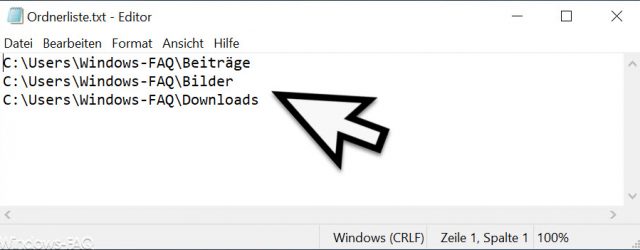
Empty folder list

We were often faced with the problem that we would have liked to know which folders or directories below a higher-level directory are empty and therefore actually not needed. Unfortunately it is not so easy to find empty folders or… Continue Reading →

Instructions, Windows 10, Windows 7, Windows 8, Windows Server 2012 R2, Windows Server 2016, Windows Server 2019

Simply reduce the size of the PowerPoint presentation

May 18, 2020administrator
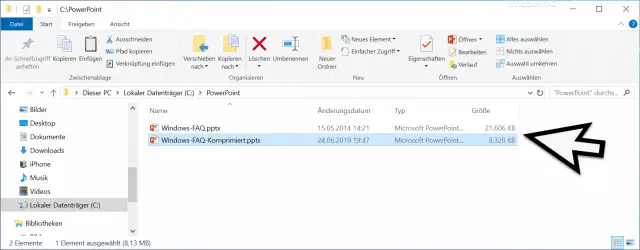
PowerPoint file compressed

Anyone working with PowerPoint and packing a lot of graphics into a PowerPoint presentation knows the problem that the file size of the PowerPoint files grows quickly and can easily grow to over 50 or 100 MB. But what very… Continue Reading →

Instructions, Microsoft Office

Post navigation

← Older Articles
Newer Articles →

Recent Posts

  • How to know the components of my PC in Windows 11
  • I can’t find the Recycle Bin in Windows 10 Solution
  • Microsoft Store Does Not Work On Windows 11 Solution
  • Open Character Map In Windows 10 Easy And Fast
  • Increase Network Card Speed ​​to Maximum in Windows 11
  • Disable Windows 10 Automatic Repair
  • How to Activate Automatic Repair in Windows 11
  • Disable Automatic Repair Windows 11
  • How to know the components of my PC in Windows 10
  • How to Open System Properties in Windows 10

Categories

  • Android
  • Android installations
  • Antivirus
  • Basic Web Design
  • Basics of iPhone and iPods
  • Cameras
  • Citrix
  • Competitions
  • Concepts for Cars
  • Concepts of iPhone and iPods
  • Concepts of Macs
  • Console Basics
  • Console Concepts
  • Consoles
  • CSS
  • Current
  • Databases
  • Documents
  • Exchange
  • For cars
  • Games
  • Hardware
  • Installations for Cars
  • Installations in Technology
  • Instructions
  • Internet
  • Internet and Browsers
  • Internet Basics
  • Internet Concepts
  • Internet Explorer
  • IPad
  • IPad Concepts
  • IPad Tips & Guides
  • IPhone and iPod
  • Linux
  • Linux Basics
  • Linux commands
  • Linux Installations
  • Macs
  • Messaging
  • Messaging Basics
  • Messaging Concepts
  • Microsoft .Net Framework
  • Microsoft General
  • Microsoft Office
  • Microsoft SQL Server
  • Microsoft Visual Studio
  • Misc. Application Programs
  • More Help
  • News
  • Other Application Programs
  • Other. Application Programs
  • Otherwise Application Programs
  • Otherwise. Application Programs
  • Present
  • Presentations
  • Product Concepts
  • Products
  • Reviews
  • Search Engine Basics
  • Search Engines
  • Security
  • Server
  • Smartphones
  • Software
  • Software Design
  • Solutions
  • Spreadsheets
  • Technology at home
  • Technology Basics
  • Technology concepts
  • Test Reports
  • TrendMicro
  • Uncategorized
  • Wallpapers
  • Windows 10
  • Windows 11
  • Windows 7
  • Windows 8
  • Windows Concepts
  • Windows NT
  • Windows Server 2008
  • Windows Server 2008 R2
  • Windows Server 2012
  • Windows Server 2012 R2
  • Windows Server 2016
  • Windows Server 2019
  • Windows Vista
  • Windows WSUS
  • Windows XP

Archives

  • September 2022
  • August 2022
  • July 2022
  • June 2022
  • May 2022
  • April 2022
  • March 2022
  • December 2021
  • May 2020
© 2025 HowPChub. All rights reserved.