• Home
  • Privacy Policy
HowPChub
Find solutions to your PC problems.
Menu Close
  • Home
  • Privacy Policy

Instructions

Install or uninstall XPS Document Writer on Windows
May 18, 2020administrator
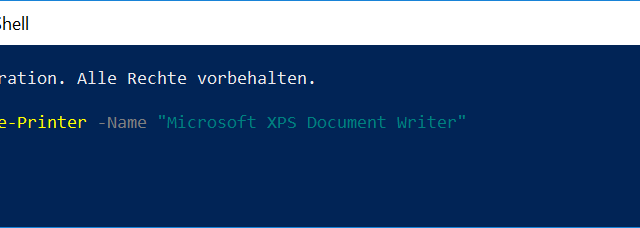
Remove Printer Name "Microsoft XPS Document Writer"

With the XPS Document Writer, you can convert a file from every file into XML paper specification format (XPS format) . Microsoft has unfortunately removed the XPS Viewer from Windows 10 in the latest versions (from 1803) , however the… Continue Reading →
Instructions, Windows 10, Windows 7, Windows 8

Delete user account in Windows 10

May 18, 2020administrator
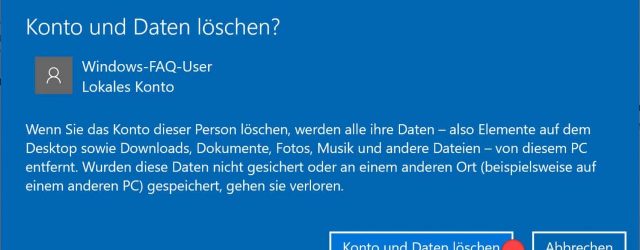
Delete account and data

If different people share a PC, it is advisable to create a separate user account for each user. We have already shown you how to create user accounts or deactivate accounts under Windows In this guide you will find 2… Continue Reading →

Instructions, Windows 10, Windows 7, Windows 8

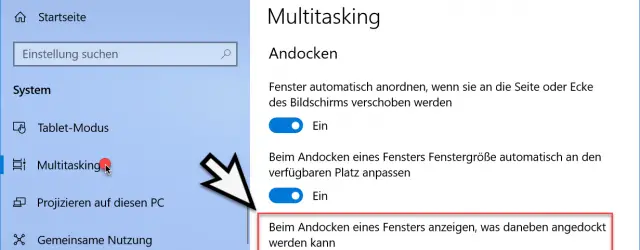
When docking windows, do not show what should be docked next to it

May 18, 2020administrator
When docking a window, show what can be docked next to it

You are probably familiar with this function when you move your Windows window to the edge of your desktop and then dock it accordingly on this edge of the screen . We already reported a few days ago how you… Continue Reading →

Instructions, Windows 10

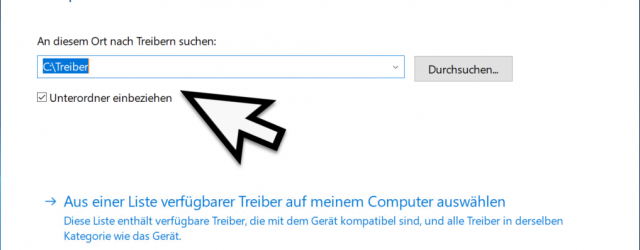
Export and import drivers for Windows

May 18, 2020administrator
Search computer for drivers

If you want to export all installed drivers from your PC so that you can either save them as a backup or import them on another PC, you will find a solution here. The export of the drivers in Windows… Continue Reading →

Instructions, Windows 10, Windows 7, Windows 8, Windows Server 2012 R2, Windows Server 2016, Windows Server 2019

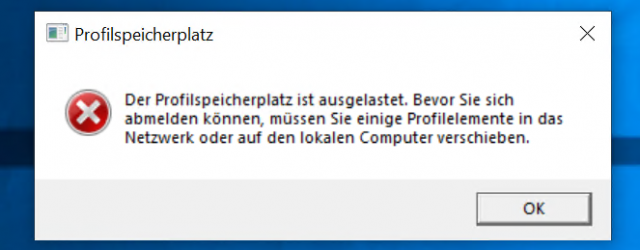
Limit Windows profile sizes

May 18, 2020administrator
The profile storage space is full.

We have often reported on Windows profiles , because all necessary settings and data of the Windows user are saved in the Windows user profiles. Since many users unfortunately store their files, documents, videos and music in these profile folders… Continue Reading →

Instructions, Windows 10, Windows 7, Windows 8, Windows Server 2012 R2, Windows Server 2016, Windows Server 2019

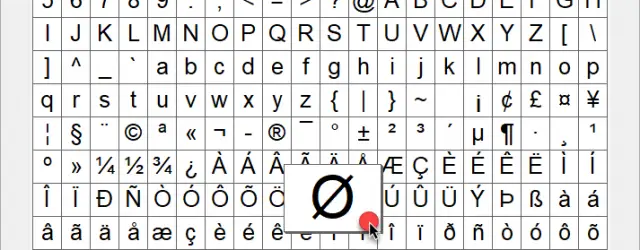
Display special characters with character table under Windows

May 18, 2020administrator
Windows character map with ALT code

Perhaps you have already had the problem that you wanted to insert a special character in your Word document or e-mail, but this could not be called up using the keys on your keyboard. As an example, let’s take the… Continue Reading →

Instructions, Windows 10, Windows 7, Windows 8

Upgrade Windows 10 Home to Windows 10 Professional

May 18, 2020administrator
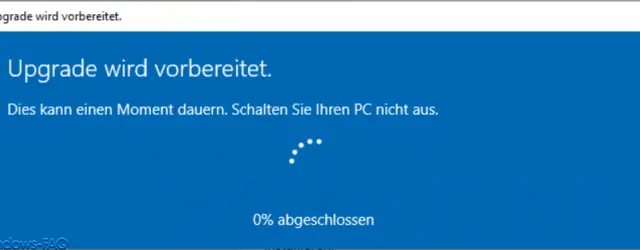
Windows 10 Home Upgrade is being prepared

As a rule, the Windows 10 Home version is used more by private individuals or smaller companies, the Windows 10 Professional or ” Windows 10 Pro ” version, on the other hand, by experienced Windows users or in medium-sized or… Continue Reading →

Instructions, Windows 10

Turn off Windows 10 spell checker

May 18, 2020administrator
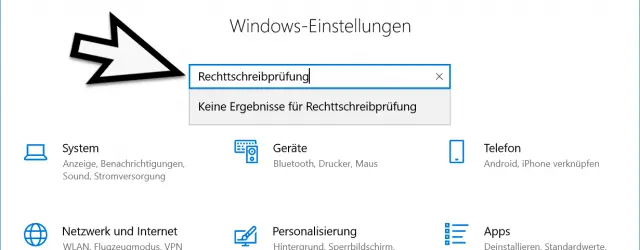
Write errors without spell check

Windows 10 has the feature that it corrects incorrect spelling or marks it with a red underscore . You may already be familiar with this function from other programs such as Microsoft Word or Excel. A spell checker is also… Continue Reading →

Instructions, Windows 10

Query all RAM information via PowerShell

May 18, 2020administrator
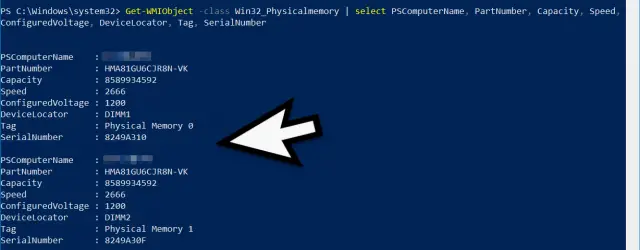
Get-WMIObject RAM information

From time to time it is necessary to check the configuration of a PC . For example, if a RAM upgrade becomes necessary because the available main memory is no longer sufficient. As a rule, the PC is then screwed… Continue Reading →

Instructions, Windows 10, Windows 7, Windows 8, Windows Server 2012 R2, Windows Server 2016, Windows Server 2019

Select content in the command prompt – activate selection of line break

May 18, 2020administrator
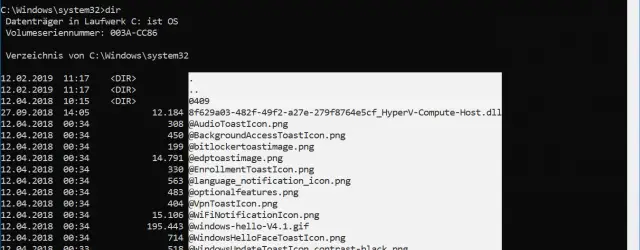
Mark a section vertically in the command prompt

With the mouse you can easily mark text areas in the command prompt window . To do this, simply hold down the mouse button and then simply mark the desired area. By pressing the the text of the marked area… Continue Reading →

Instructions, Windows 10, Windows 7, Windows 8, Windows Server 2016, Windows Server 2019

Post navigation

← Older Articles
Newer Articles →

Recent Posts

  • How to know the components of my PC in Windows 11
  • I can’t find the Recycle Bin in Windows 10 Solution
  • Microsoft Store Does Not Work On Windows 11 Solution
  • Open Character Map In Windows 10 Easy And Fast
  • Increase Network Card Speed ​​to Maximum in Windows 11
  • Disable Windows 10 Automatic Repair
  • How to Activate Automatic Repair in Windows 11
  • Disable Automatic Repair Windows 11
  • How to know the components of my PC in Windows 10
  • How to Open System Properties in Windows 10

Categories

  • Android
  • Android installations
  • Antivirus
  • Basic Web Design
  • Basics of iPhone and iPods
  • Cameras
  • Citrix
  • Competitions
  • Concepts for Cars
  • Concepts of iPhone and iPods
  • Concepts of Macs
  • Console Basics
  • Console Concepts
  • Consoles
  • CSS
  • Current
  • Databases
  • Documents
  • Exchange
  • For cars
  • Games
  • Hardware
  • Installations for Cars
  • Installations in Technology
  • Instructions
  • Internet
  • Internet and Browsers
  • Internet Basics
  • Internet Concepts
  • Internet Explorer
  • IPad
  • IPad Concepts
  • IPad Tips & Guides
  • IPhone and iPod
  • Linux
  • Linux Basics
  • Linux commands
  • Linux Installations
  • Macs
  • Messaging
  • Messaging Basics
  • Messaging Concepts
  • Microsoft .Net Framework
  • Microsoft General
  • Microsoft Office
  • Microsoft SQL Server
  • Microsoft Visual Studio
  • Misc. Application Programs
  • More Help
  • News
  • Other Application Programs
  • Other. Application Programs
  • Otherwise Application Programs
  • Otherwise. Application Programs
  • Present
  • Presentations
  • Product Concepts
  • Products
  • Reviews
  • Search Engine Basics
  • Search Engines
  • Security
  • Server
  • Smartphones
  • Software
  • Software Design
  • Solutions
  • Spreadsheets
  • Technology at home
  • Technology Basics
  • Technology concepts
  • Test Reports
  • TrendMicro
  • Uncategorized
  • Wallpapers
  • Windows 10
  • Windows 11
  • Windows 7
  • Windows 8
  • Windows Concepts
  • Windows NT
  • Windows Server 2008
  • Windows Server 2008 R2
  • Windows Server 2012
  • Windows Server 2012 R2
  • Windows Server 2016
  • Windows Server 2019
  • Windows Vista
  • Windows WSUS
  • Windows XP

Archives

  • September 2022
  • August 2022
  • July 2022
  • June 2022
  • May 2022
  • April 2022
  • March 2022
  • December 2021
  • May 2020
© 2025 HowPChub. All rights reserved.